
Latest Cloud Security News & Updates
Top 3 Differentiators
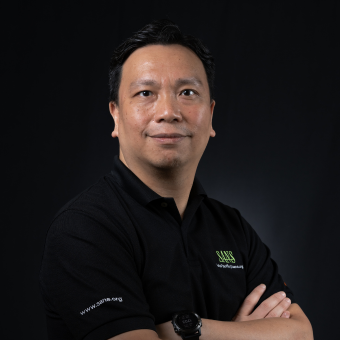
Frank Kim, SANS Fellow, Curriculum Lead for both Cloud Security and Cybersecurity Leadership shares the top three benefits of taking cloud security training with SANS.
Featured Cloud Security Courses & Certifications
Cloud Security Certifications
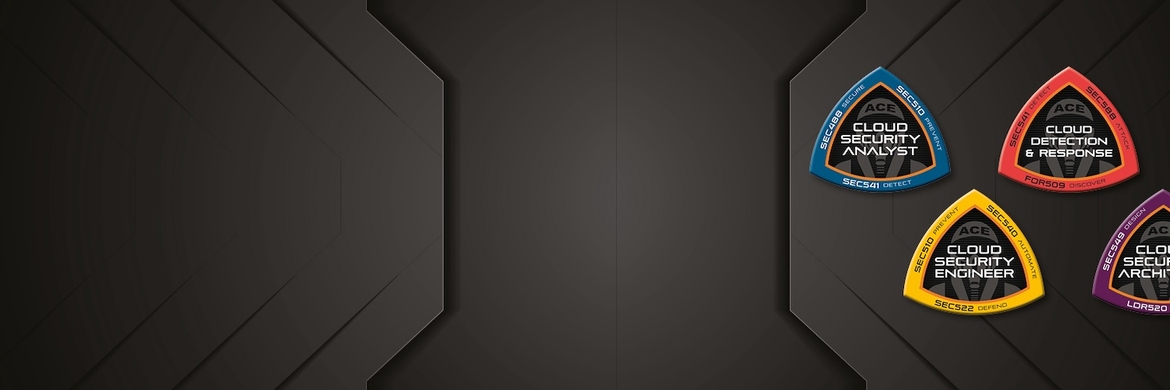
Securing the cloud is now essential across our global infrastructure. GIAC's cloud security certifications are designed to help you master the practical steps necessary for defending systems and applications in the cloud against the most dangerous threats. From web application security and DevOps automation to cloud-specific penetration testing - across public cloud, multi-cloud, and hybrid-cloud scenarios - we've got the credentials both professionals and organizations need to ensure cloud security at any enterprise.
To be a Cloud Ace, You Must Learn From One

Frank Kim


Graduate Certificate Program in Cloud Security
- Designed for working InfoSec professionals
- Highly technical 12-credit-hour program
- Includes 4 industry-recognized GIAC certifications
 Application Security CyberTalent AssessmentApplication Security CyberTalent AssessmentProvides assessment data and insights in: • Common Web Application Attacks • Web Application Architecture Security • Secure Coding Principles, Practices and Software Development Lifecycle
 Cloud Security CyberTalent AssessmentCloud Security CyberTalent AssessmentProvides assessment data and insights in: • Cloud Models and Fundamentals • Cloud Access Management and Auditing • Cloud Application and Service Security • Cloud Architecture and Automation • Cloud Risk and Compliance
Reviews
More Free Cloud Resources



About Cloud Security Training
SANS Cloud Security training focuses the deep resources of SANS on the growing threats to The Cloud by providing training, GIAC certification, research, and community initiatives to help security professionals build, deploy and manage secure cloud infrastructure, platforms, and applications.
Our curriculum provides intensive, immersion training designed to help you and your staff master the practical steps necessary for defending systems and applications in the cloud against the most dangerous threats. Our cloud security courses are full of important and immediately useful techniques that you can put to work as soon as you return to your office. The curriculum has been developed through a consensus process involving industry leading engineers, architects, administrators, developers, security managers, and information security professionals, and address public cloud, multi cloud, and cloud agnostic scenarios for the enterprise and developing organizations alike.
GIAC's cloud security certifications are designed to help you master the practical steps necessary for defending systems and applications in the cloud against the most dangerous threats. From web application security and DevOps automation to cloud-specific penetration testing - across public cloud, multi-cloud, and hybrid-cloud scenarios - we've got the credentials both professionals and organizations need to ensure cloud security at any enterprise.